

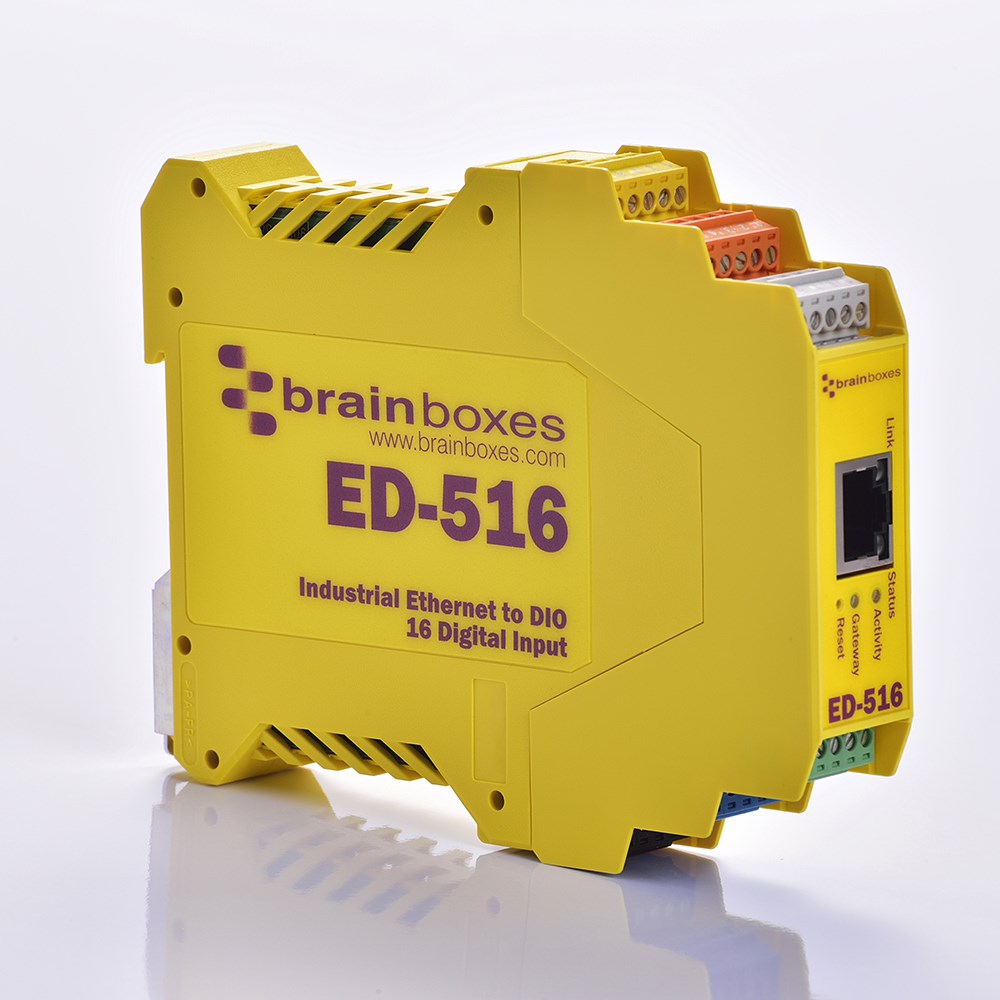
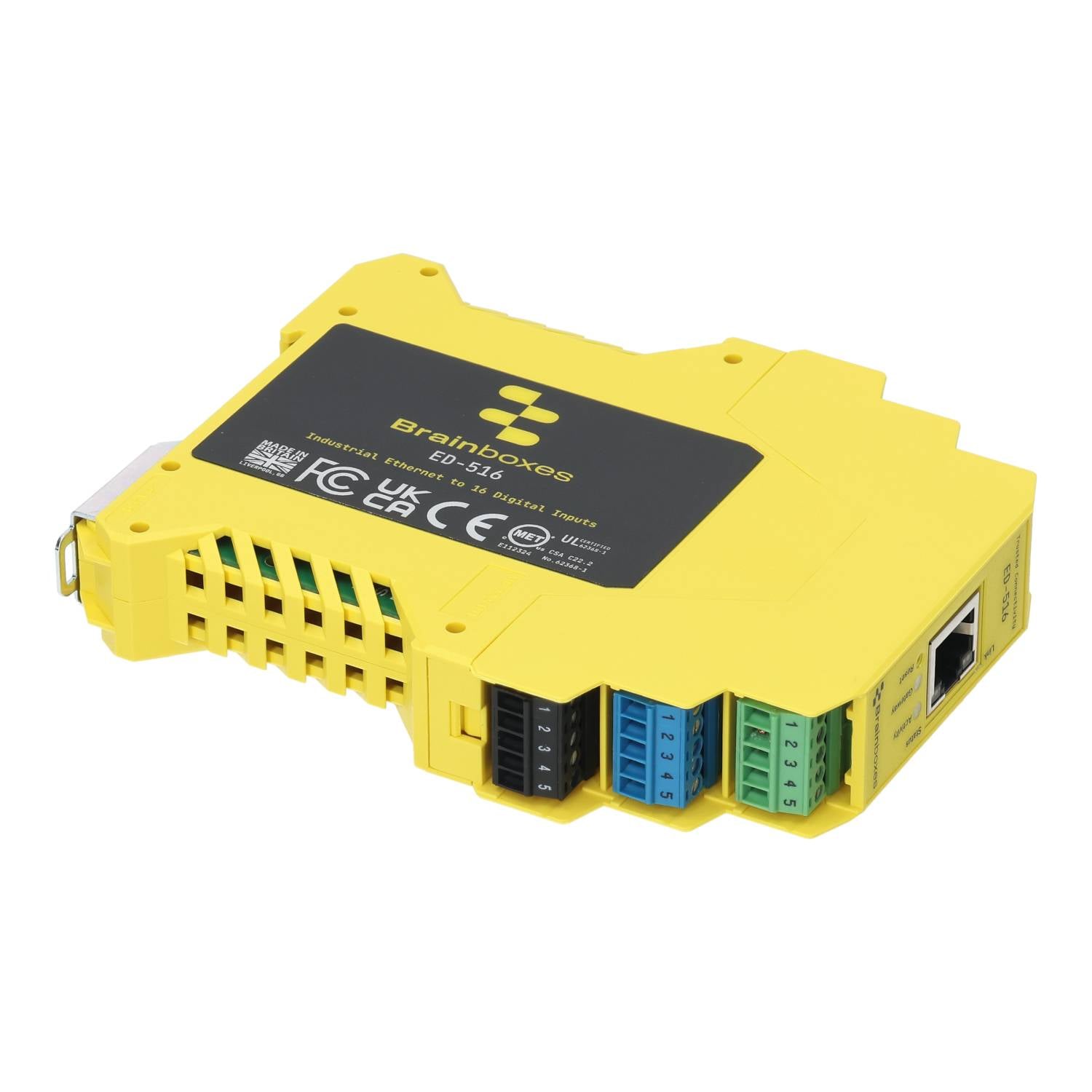
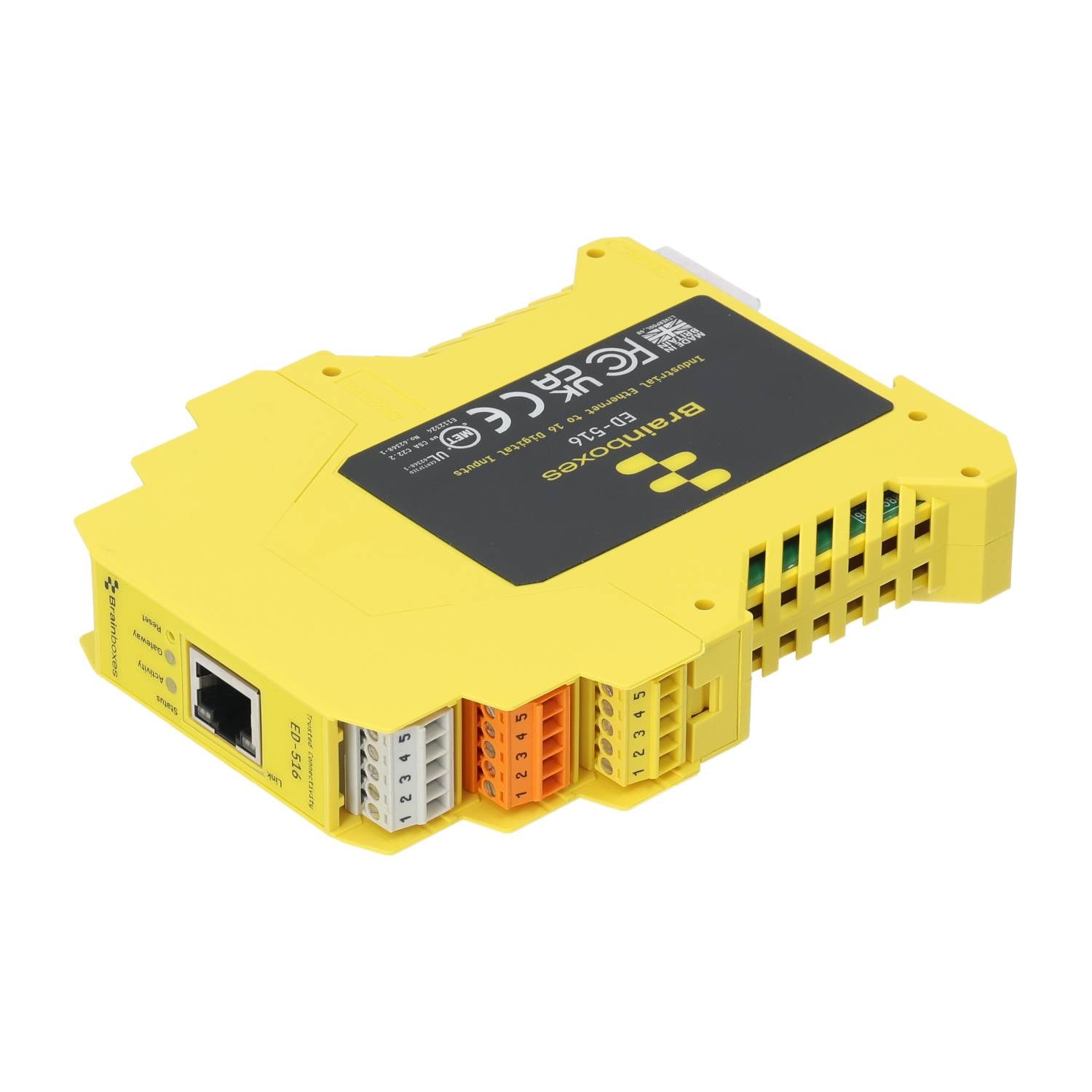
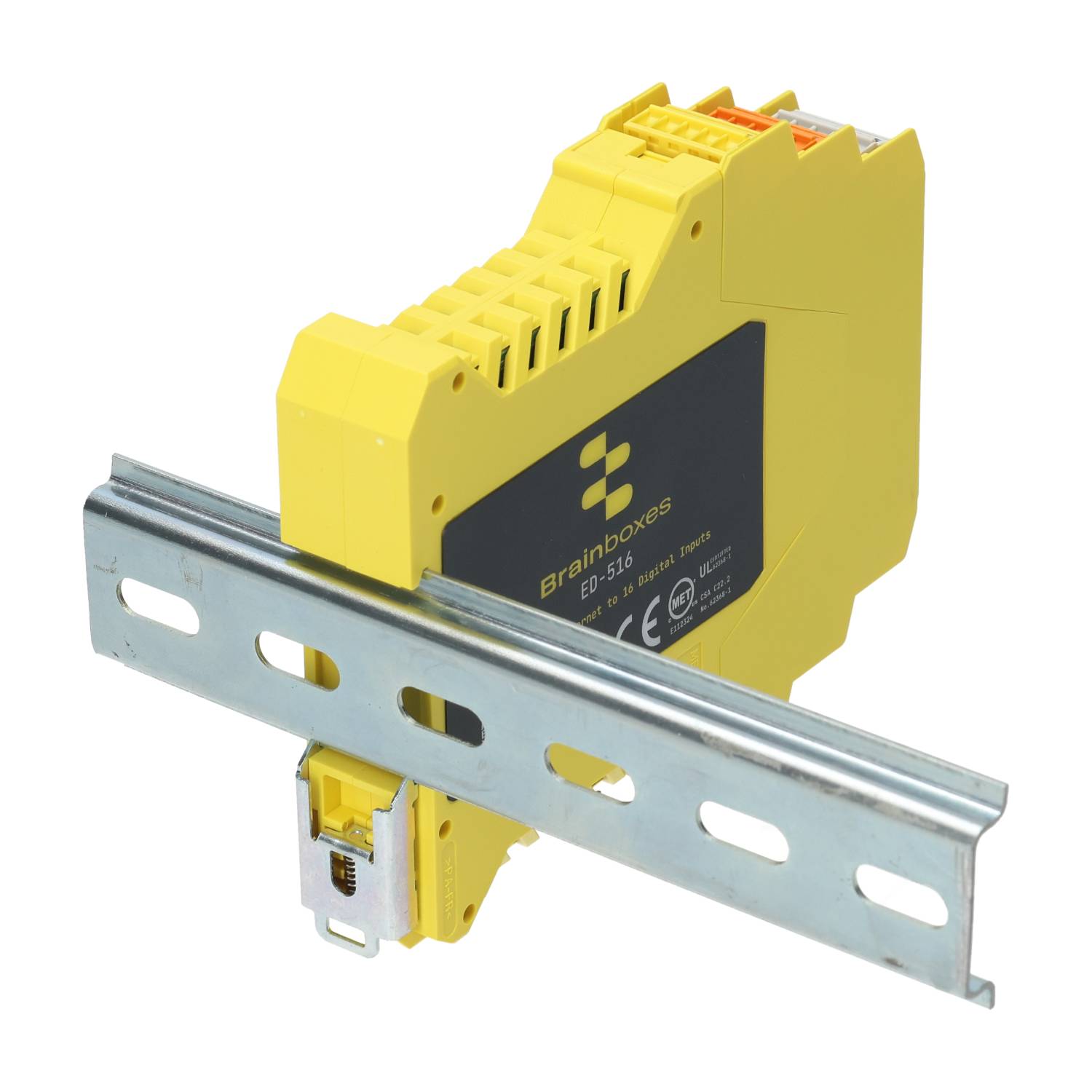
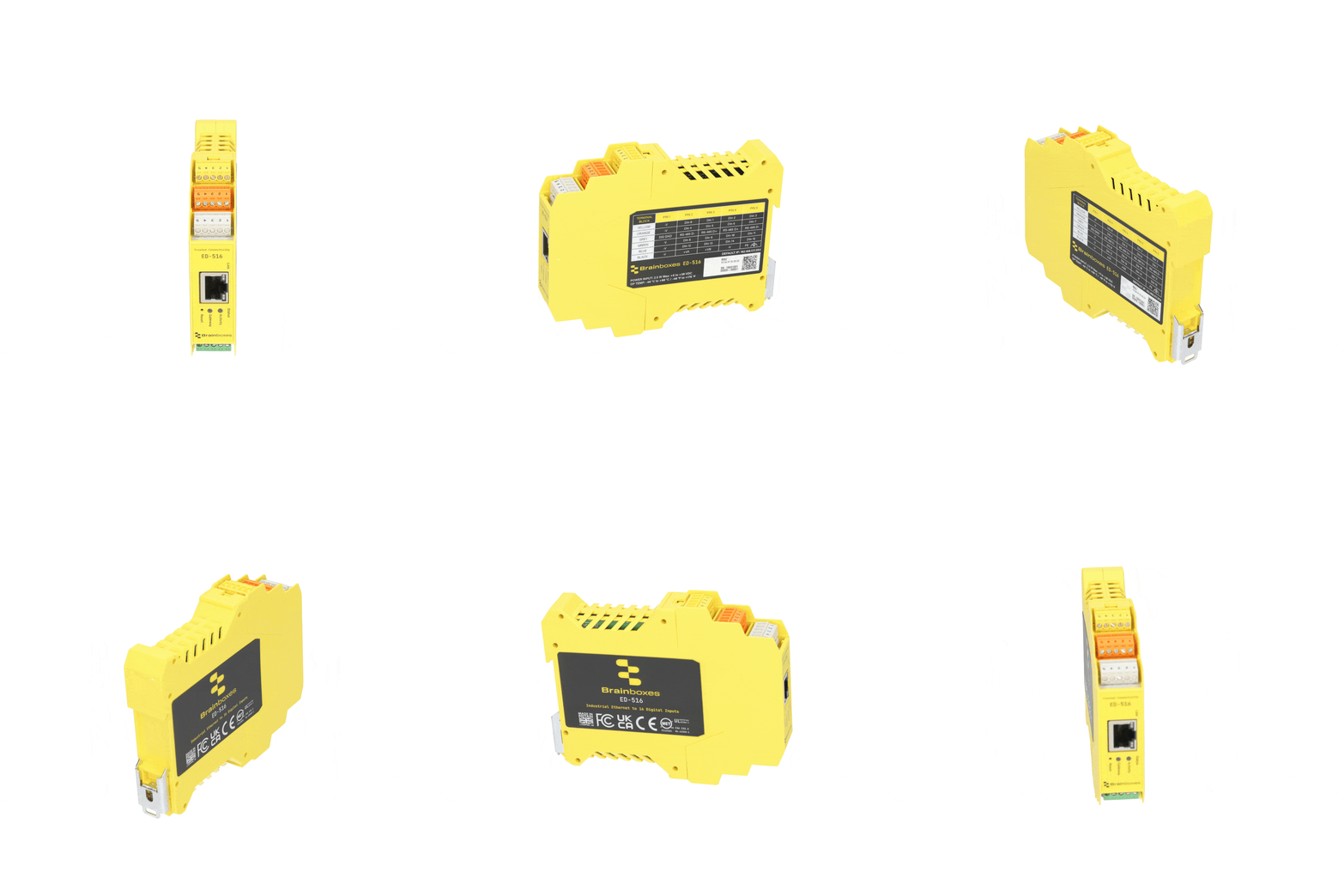
ED-516 Ethernet to 16 Digital Inputs + Serial Gateway
- 16 Digital Inputs
- Configurable RS485 HD Serial Gateway Port
- Monitor any input from TTL to high voltage high current industrial devices
- Factory floor process control and automation, Integrated DIN rail mount
- Supports simple ASCII or industry standard Modbus TCP
- -40°C to +80°C Temperature range
- Software APIs for Visual Basic, C# and more

Download ED-516 Technical Datasheet (PDF)
ED-516 Approvals









ED-516 Description
Ethernet to DIO device: 16 non-isolated digital input channels. Outputs each group of 4 lines has its own common rail. Powerful ARM 80 MHz, 32 Bit CPU.
The device can be controlled over TCP/IP using the Modbus TCP protocol or simple ASCII commands. Additionally Brainboxes supply a suite of APIs and sample code to communicate with the device using Microsoft .NET framework Visual Basic, C#, C++, Java, Javascript, PHP and more. The device and be configured and secured from a web browser. The device can be installed as a COM Port on a Windows PC to give complete backwards compatibility essential for legacy applications.
Offers robust and intelligent ‘control side’ devices that provide the interface to systems on the 24V factory floor environment, commonly referred to as ‘process side’.
The ED product range is designed for harsh environments. The digital output port line are implemented as protected output circuits, providing current overload and short circuit protection, voltage surge, overload and open circuit protection and over temperature protection to allow the widest possible usage and range of devices.
See other products the same category as ED-516: Digital
Manage the ED-516 with BB Eco
Your devices, managed your way.
Free. Local-first. Air-gap ready. No account required.
BB Eco finds the ED-516 on your network, flashes it so you can spot it in the cabinet, upgrades its firmware and keeps its settings in step with a template - for one device or a hundred.
Transcript
BB Eco. Replaces Boost.IO and Boost.LAN.
An ED-516 turns into view as the BB mark draws.Discover.
The ED-516 appears in BB Eco with its name, address and firmware version.Locate.
One click on Locate and the ED-516 flashes its LEDs, so you can find it in the cabinet.Upgrade, with confidence.
BB Eco checks the firmware is right for the device, then upgrades it stage by stage.One device, or a hundred.
One ED-516, then a cabinet of fifteen devices, then a row of cabinets.Upgrade all, in one workflow.
Every device in the cabinet is upgraded in turn.Apply one template to them all.
A template is previewed on eight devices, then applied.BB Eco spots changes from your template.
A changed setting is shown against the saved baseline.Scan. Script. Automate.
A subnet scan, the command line, and automatic upgrades.BB Eco. Keep the Work Moving. Windows, macOS, Linux and CLI. Free. Local-first. Air-gap ready. No account. brainboxes.com/bb-eco.
The end card, with the ED-516 beside it.
ED-516 Media
Bring IoT to Legacy Industrial Technology - Part 2
ED Digital Remote IO Demo 1
Quick Start a Remote I/O device
Brainboxes - Ethernet to IO Module Hardware Features
Brainboxes Remote IO C# Example Code
Brainboxes Remote IO VB Example Code
ED-516 Supported Operating Systems






Related Products to ED-516 Digital
-
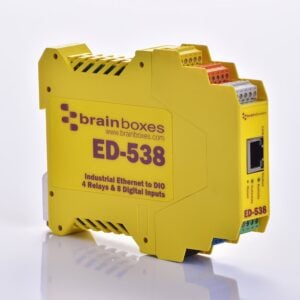
ED-538
£229.85 Add to cart -
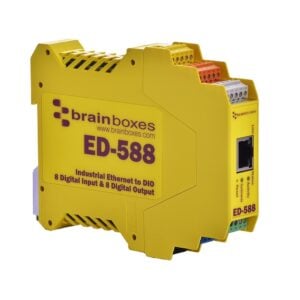
ED-588
£218.30 Add to cart -
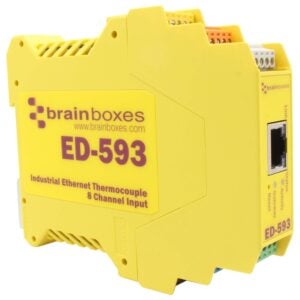
ED-593
£317.63 Add to cart -
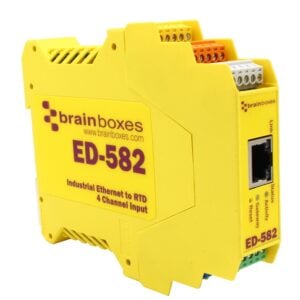
ED-582
£317.63 Add to cart


Quick delivery and easily configured for required application.
Excellent service.