
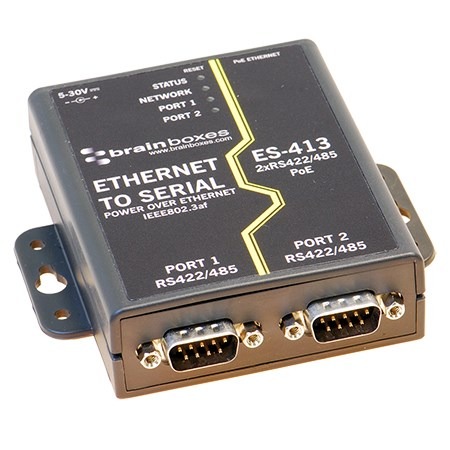
Power over Ethernet to Serial

connect to power & a network through a single cable
Image

(4)

Featured image for “ES-413”

ES-413

2 Port RS422/485 PoE Ethernet to Serial Adapter
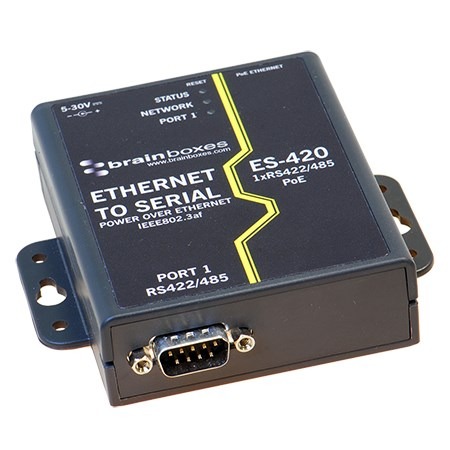
Featured image for “ES-420”

ES-420

1 Port RS422/485 PoE Ethernet to Serial Adapter
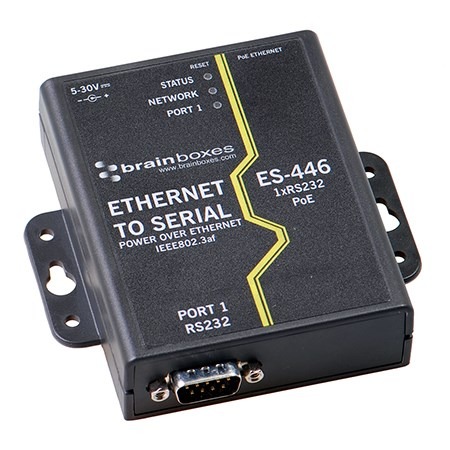
Featured image for “ES-446”

ES-446

1 Port RS232 PoE Ethernet to Serial Adapter
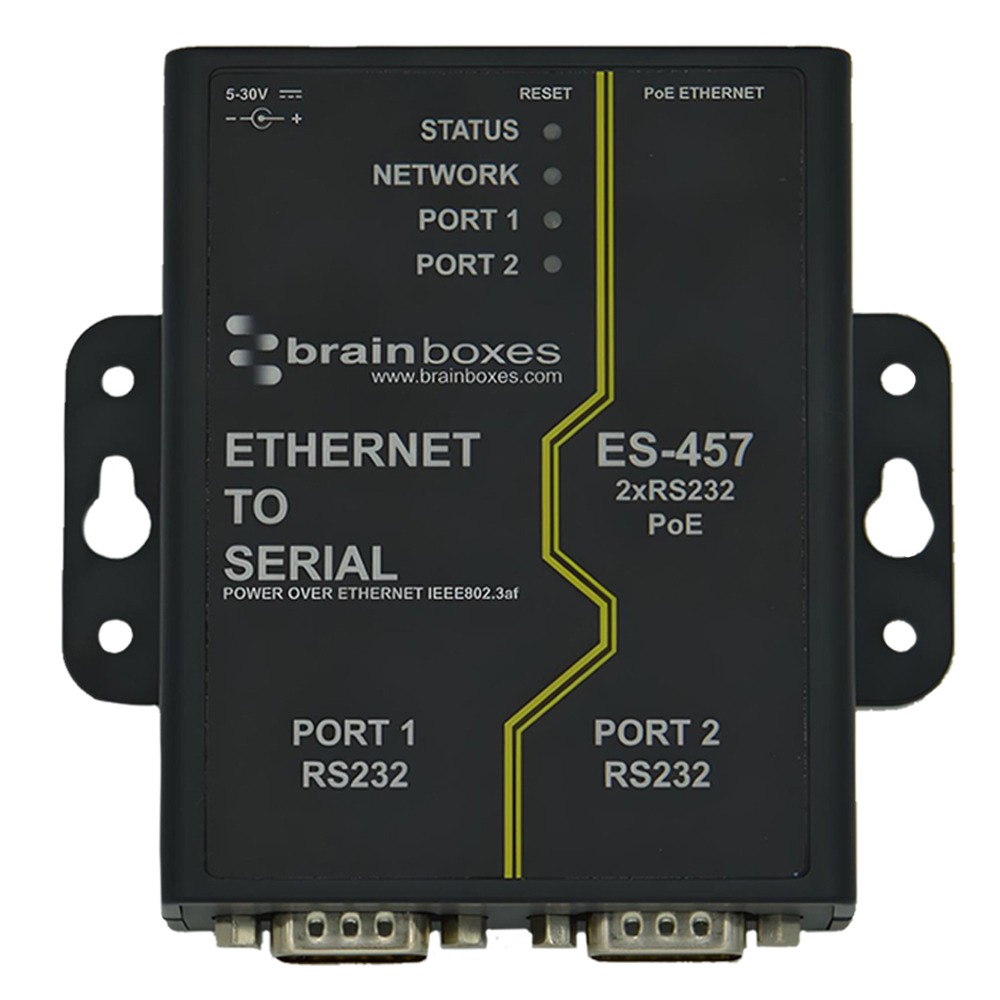
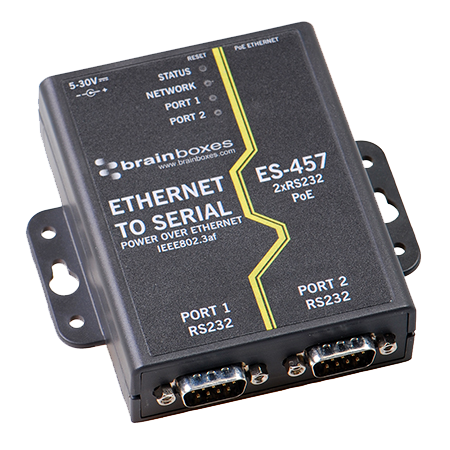
Featured image for “ES-457”

ES-457

2 Port RS232 PoE Ethernet to Serial Adapter

Manage Brainboxes Power over Ethernet to Serial with BB Eco

Your devices, managed your way.

Free. Local-first. Air-gap ready. No account required.

BB Eco finds every device in the range on your network, flashes one so you can spot it in the cabinet, upgrades their firmware and keeps their settings in step with a template - for one device or a hundred.

Download BB Eco

Transcript
  1. Start with one device. An ED-516 turns into view as the BB mark draws.
  2. Discover. The ED-516 appears in BB Eco with its name, address and firmware version.
  3. Locate. One click on Locate and the ED-516 flashes its LEDs, so you can find it in the cabinet.
  4. Upgrade, with confidence. BB Eco checks the firmware is right for the device, then upgrades it stage by stage.
  5. One device, or a hundred. One ED-516, then a cabinet of fifteen devices, then a row of cabinets.
  6. Upgrade all, in one workflow. Every device in the cabinet is upgraded in turn.
  7. Apply one template to them all. A template is previewed on eight devices, then applied.
  8. BB Eco spots changes from your template. A changed setting is shown against the saved baseline.
  9. No cloud. No admin rights to run. The cabinet's network runs to the computer BB Eco runs on, and nowhere else.
  10. Scan. Script. Automate. A subnet scan, the command line upgrading a whole batch, and automatic upgrades.
  11. BB Eco. Keep the Work Moving. Windows, macOS, Linux and CLI. Free. Local-first. Air-gap ready. No account. brainboxes.com/bb-eco. The end card, beside the row of cabinets.

Simplify Your Installation

Image

Power Over Ethernet to Serial

    Convert your RS232 or RS422/485 port into a network PoE Ethernet port

    Run a single cable 

    Avoid cost of installing additional power sockets

    Use existing network cable

    Quick, safe and simple to install

    Convenience of multiple power options

FAQ:

Adding PoE To Your Network