

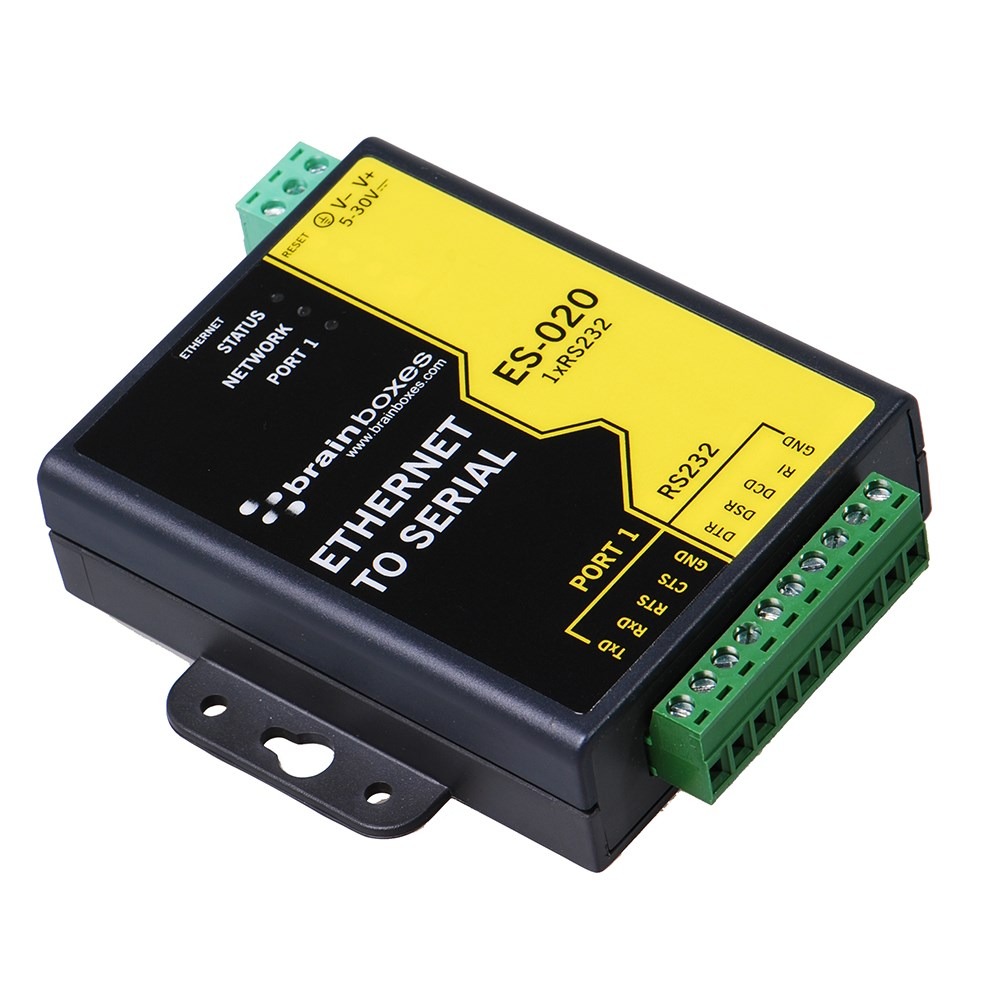
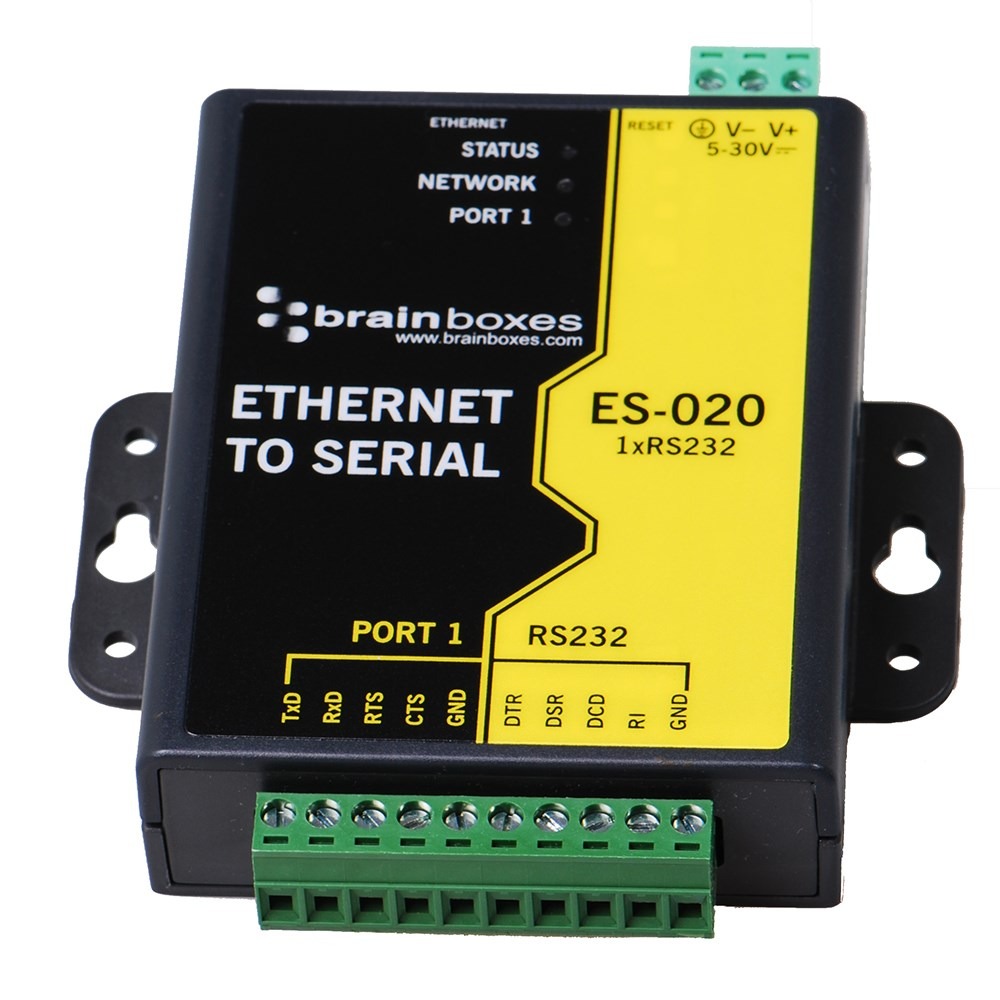
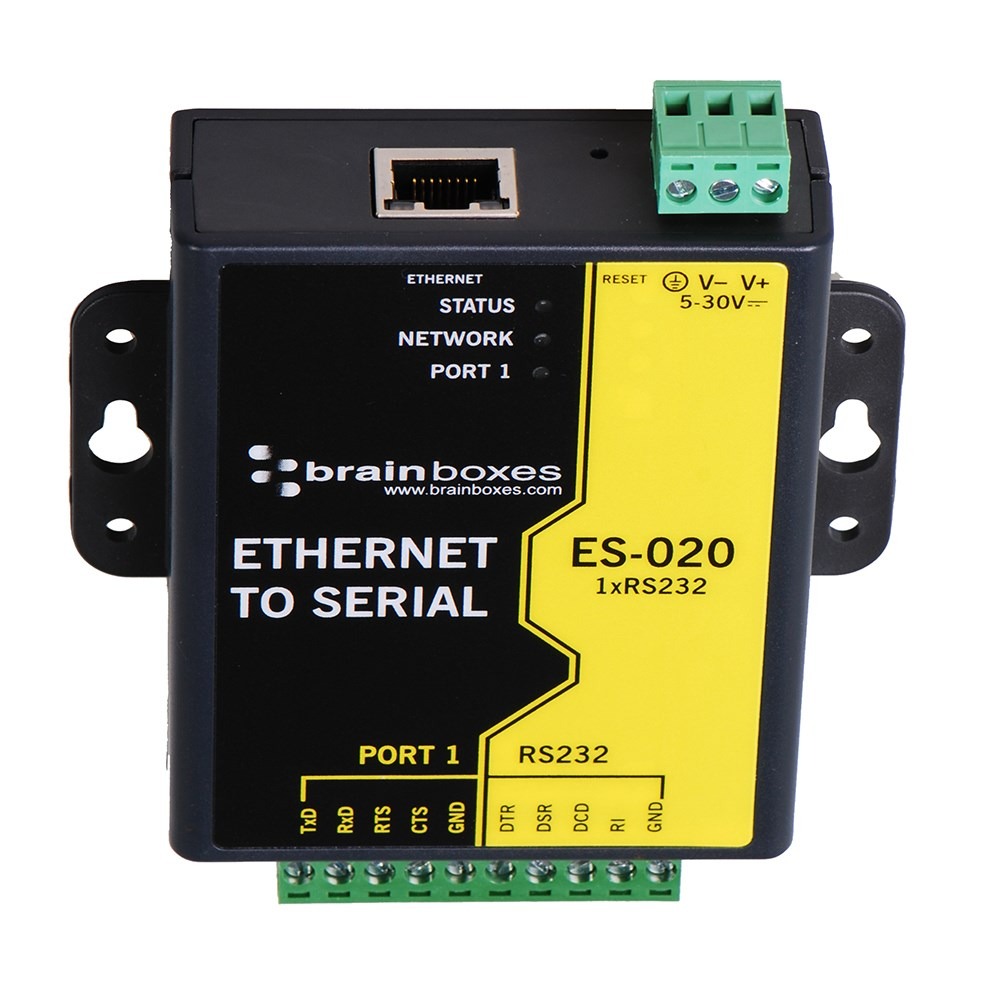
ES-020 Ethernet 1 Port RS232 10xScrew Terminals
- 1 Port RS-232 via screw terminal block
- Ethernet to Serial Device Server
- Data rate from 110 to 1,000,000 baud (1 MegaBaud)
- Install Virtual Com ports, communicate over TCP or telnet or use the Software APIs for Visual Basic, C# and more
- Serial Port Tunnelling allows serial cable replacement, no software required
- Removable Terminal Blocks for Easy Wiring


Download ES-020 Technical Datasheet (PDF)
ES-020 Approvals










ES-020 Description
Ethernet 1 Port RS232 10xScrew Terminals Blocks perfect for industrial applications. Data transfer rates up to 1,000,000 Baud (1 MegaBaud), coupled with 1Mbit/s line drivers deliver uncompromising performance. Baud rates can be standard values such as 9,600, 115,200, 230,000, 921,600 or user definable non standard values.
Our ES range provides simple instant networked serial ports. A web interface allows secure configuration and control of the serial ports over a local network or the internet using any browser. For Windows our in-house designed (32 bit and 64 bit) driver gives you local COM ports, retaining existing software applications and allowing you to connect across your network to remote devices just as if they were attached locally. You can access the device via TCP/IP sockets from any networked device like an Android tablet, PC or phone. Serial Port Tunneling (individually configurable) allows serial cable replacement over any distance, no software required. On Windows OS TCP/IP sockets are handled by the Winsock API, this will differ on other OSs. Suitable to be wired into existing power and network infrastructure or can be used with our PW-600 power supply .
See other products the same category as ES-020: Ethernet to Serial
Manage the ES-020 with BB Eco
Free. Local-first. Air-gap ready. No account required.
BB Eco finds the ES-020 on your network, flashes it so you can spot it in the cabinet, upgrades its firmware and keeps its settings in step with a template - for one device or a hundred.
Transcript
BB Eco. Replaces Boost.IO and Boost.LAN.
An ES-246 turns into view as the BB mark draws.Discover.
The ES-246 appears in BB Eco with its name, address and firmware version.Locate.
One click on Locate and the ES-246 flashes its LEDs, so you can find it in the cabinet.Upgrade, with confidence.
BB Eco checks the firmware is right for the device, then upgrades it stage by stage.One device, or a hundred.
One ES-246, then a cabinet of fifteen devices, then a row of cabinets.Upgrade all, in one workflow.
Every device in the cabinet is upgraded in turn.Apply one template to them all.
A template is previewed on eight devices, then applied.BB Eco spots changes from your template.
A changed setting is shown against the saved baseline.Scan. Script. Automate.
A subnet scan, the command line, and automatic upgrades.BB Eco. Keep the Work Moving. Windows, macOS, Linux and CLI. Free. Local-first. Air-gap ready. No account. brainboxes.com/bb-eco.
The end card, with the ES-246 beside it.
ES-020 Media
Using C# to control Brainboxes' Ethernet to Serial devices
Using VB to control Brainboxes' Ethernet to Serial devices
ES-020 Supported Operating Systems







Related Products to ES-020 Ethernet to Serial
-
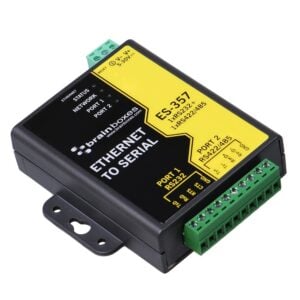
ES-357
£161.64 Add to cart -
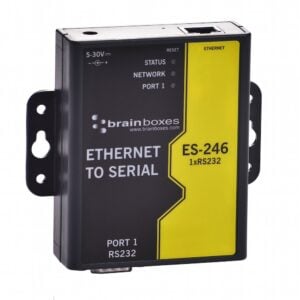
ES-246
£98.17 Add to cart -
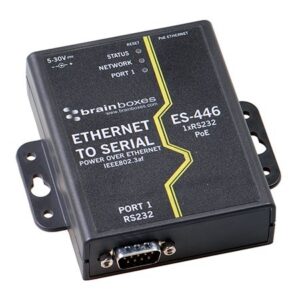
ES-446
£132.83 Add to cart -
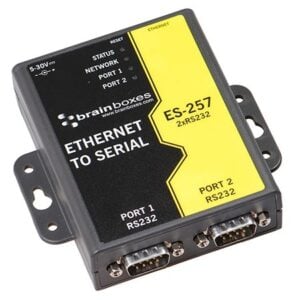
ES-257
£153.62 Add to cart


we never received the shipment or tracking info.