

FAQs
Where can I find my serial number?
When you purchase one of our devices, you’ll find a serial number attached to it. This number serves as the main identifier we use to distinguish one device from another. Embedded within this serial number are three key pieces of information.
The first section represents the build date, the day the device was assembled by our in-house production team. The format follows Year/Month/Day. For example, if the number reads 20180104, this corresponds to 4th January, 2018.
The second section represents the build number. The build number identifies the specific production build of the device. It represents the build sequence assigned during the manufacturing block period in which the device was produced, allowing the unit to be traced back to its exact build batch and timeframe.
The last section represents the unique number identifier. This number is different for every device. For example, two ES-246s that were built on the same day can have the same date and build number, but the unique identifier is the key to being able to tell them apart.
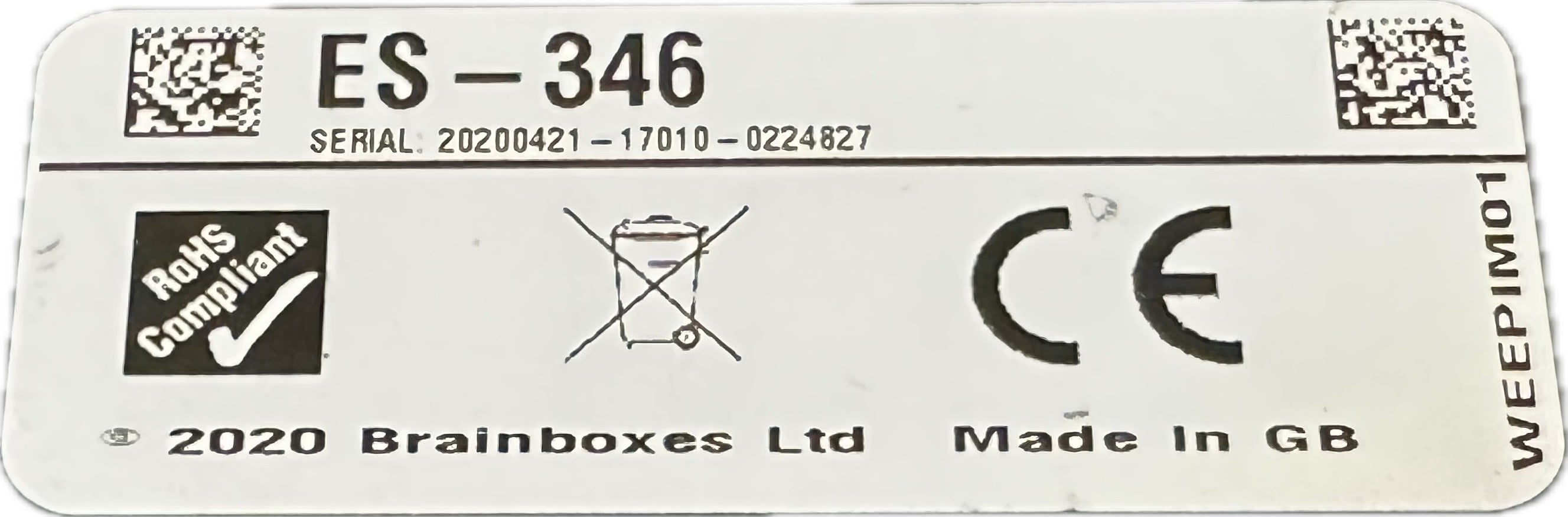
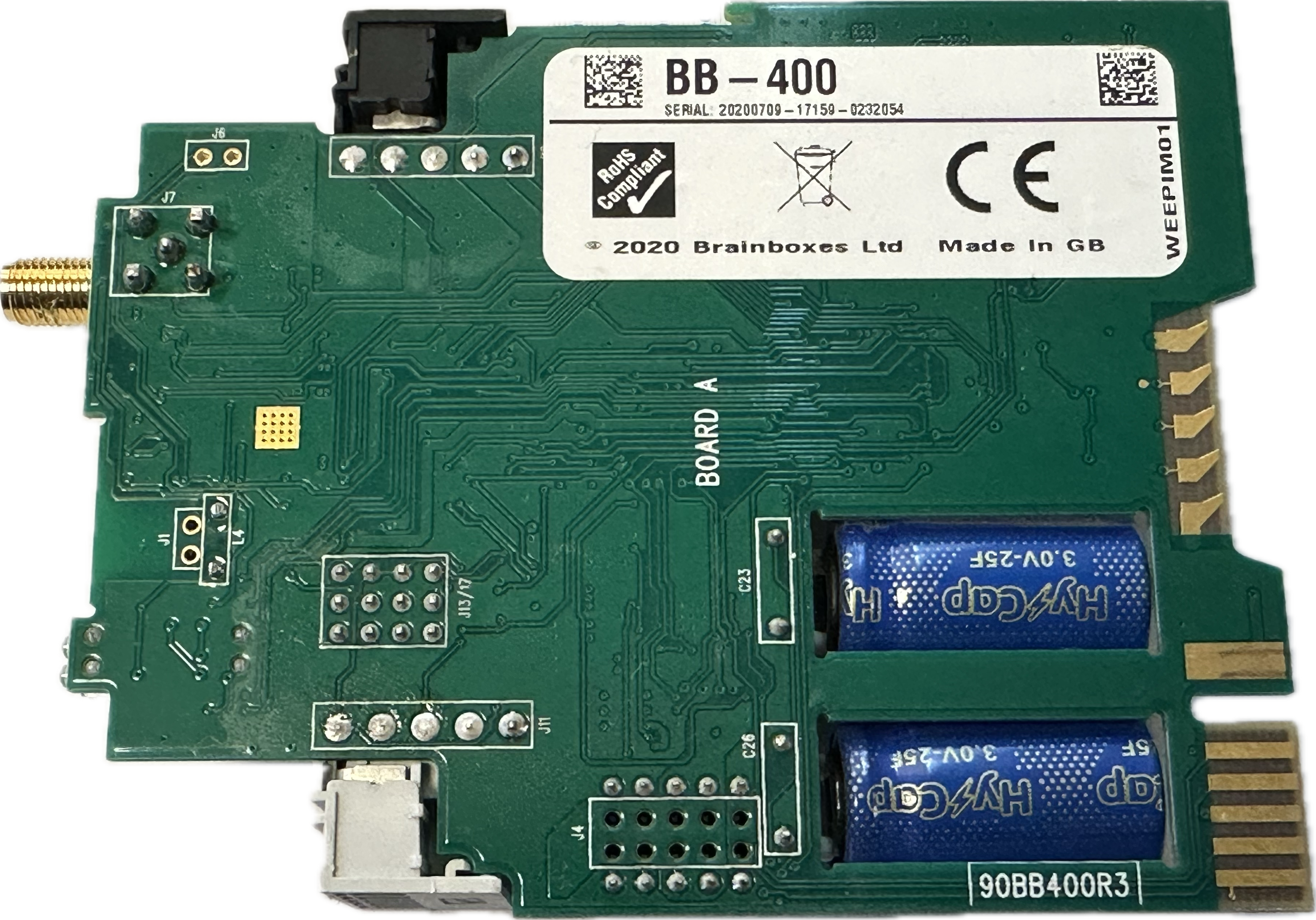
Finding the serial number is different on every device. Below is a table on every device serial number location:
| PE – Pure Embedded | Back of the PCB | 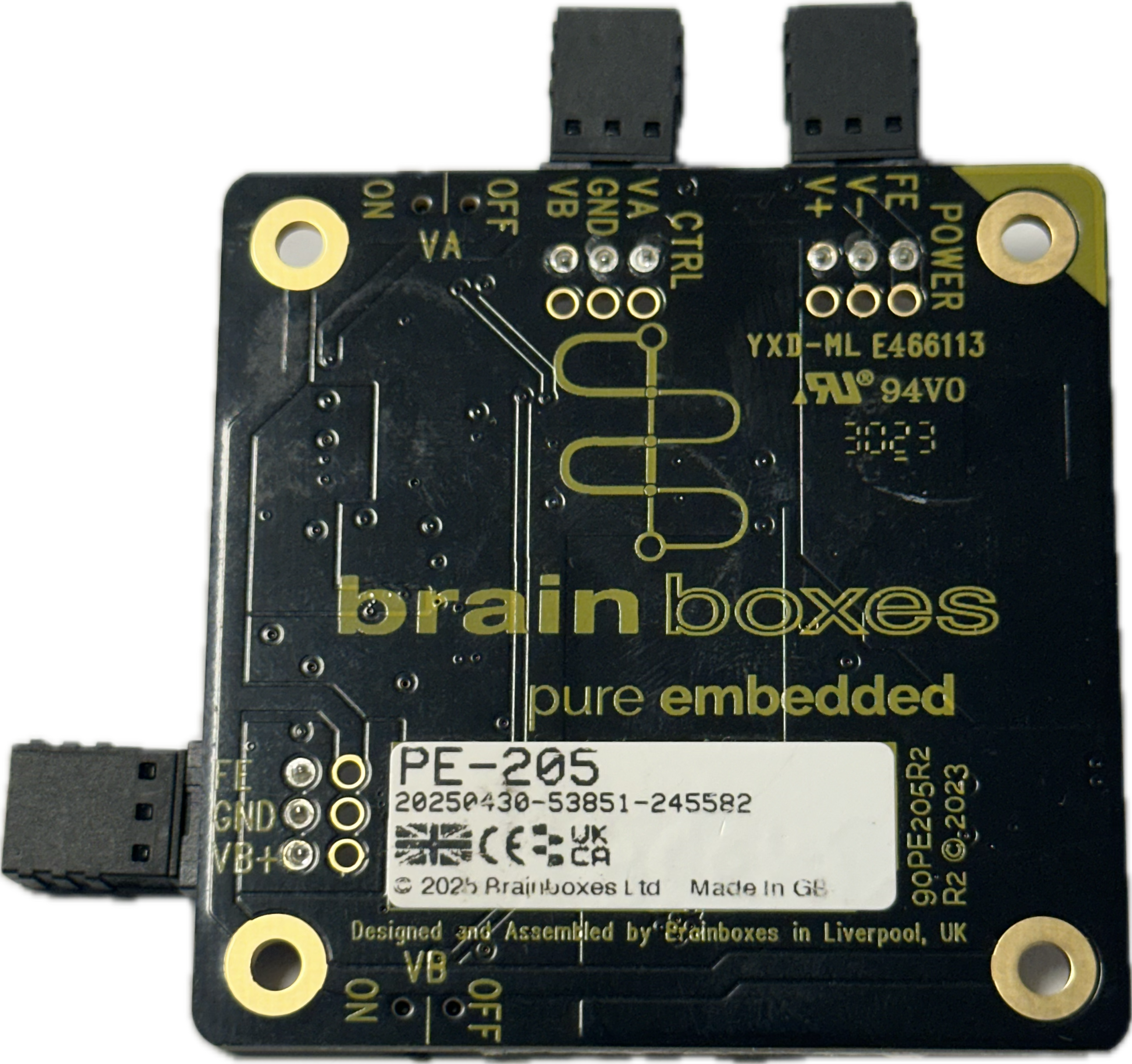 |
| Industrial Case (Includes SW/ED/ES) |
Back of the PCB. Will need to open the case to access the sticker | 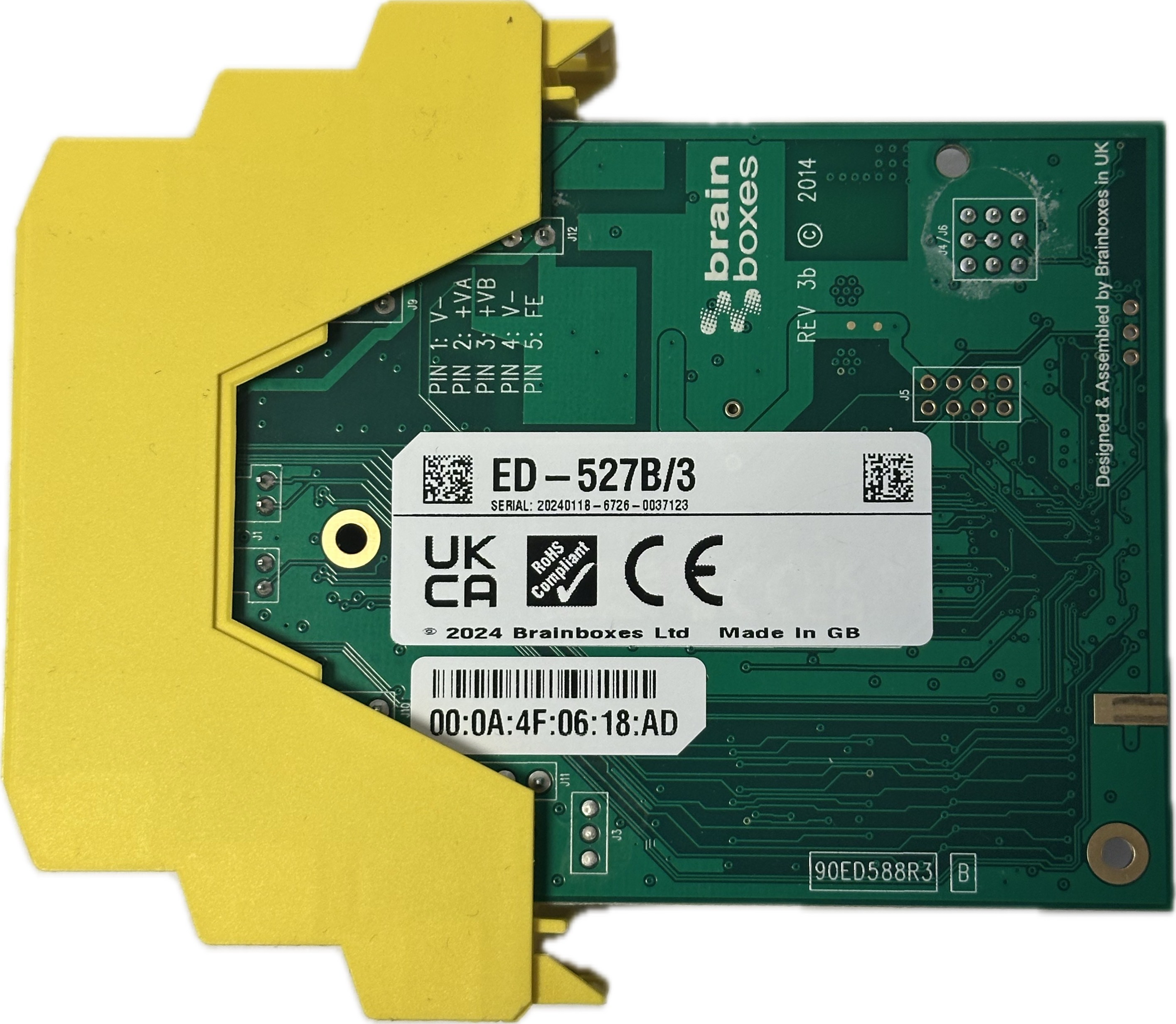 |
| Light Industrial Case (Includes SW/ED/ES) |
On the back of the case at the bottom | 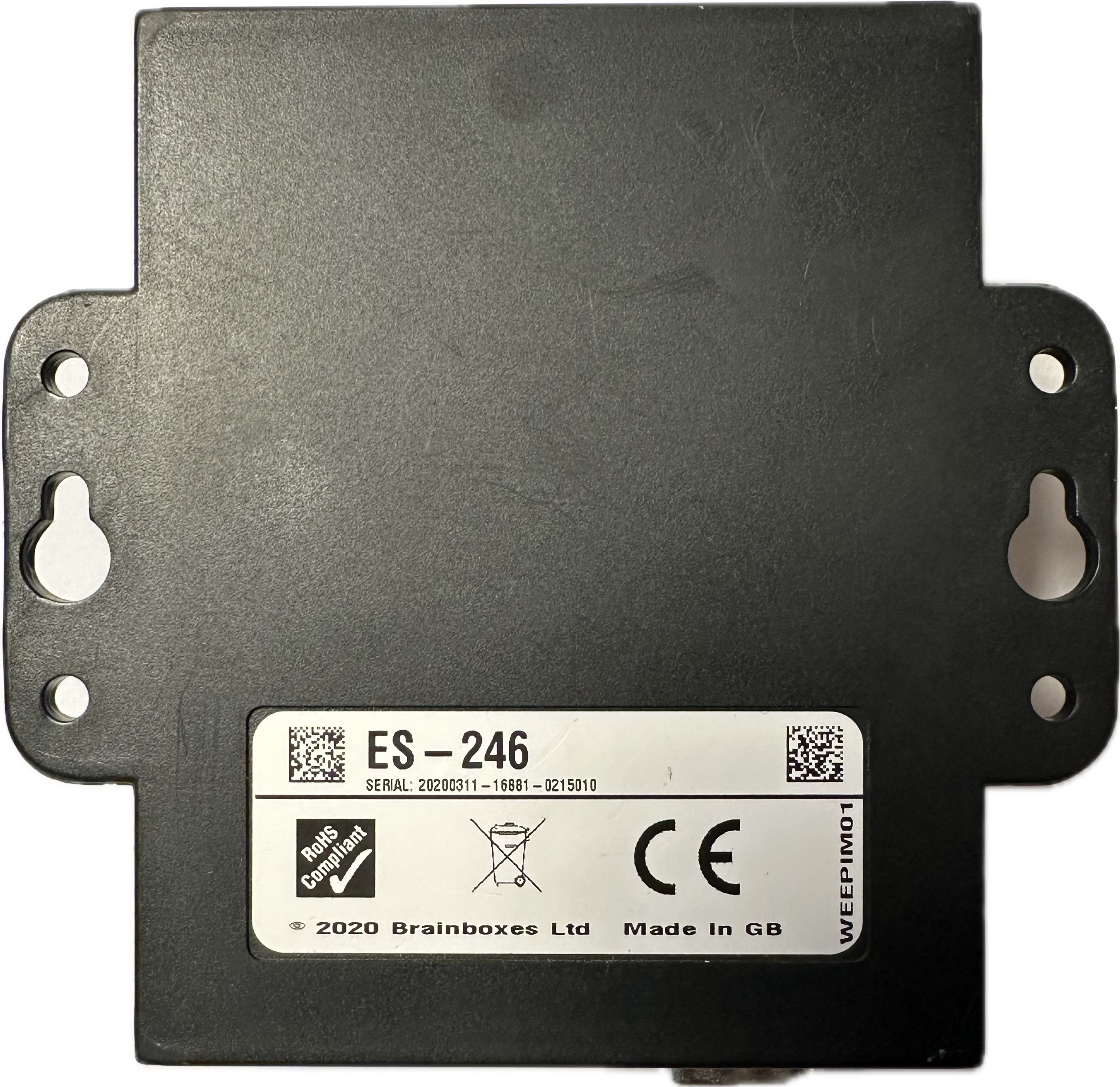 |
| BB-400 | Back of the PCB with the capacitors. It is difficult to access the sticker, as it’s between two PCBs.
(We recommend not trying to access the sticker, as doing so has the potential to damage the BB-400.) |
 |
| ES/US (4/8 brainboxes-ed-593-front-panel-ethernet-port-status-leds Case) | On the bottom of the case | 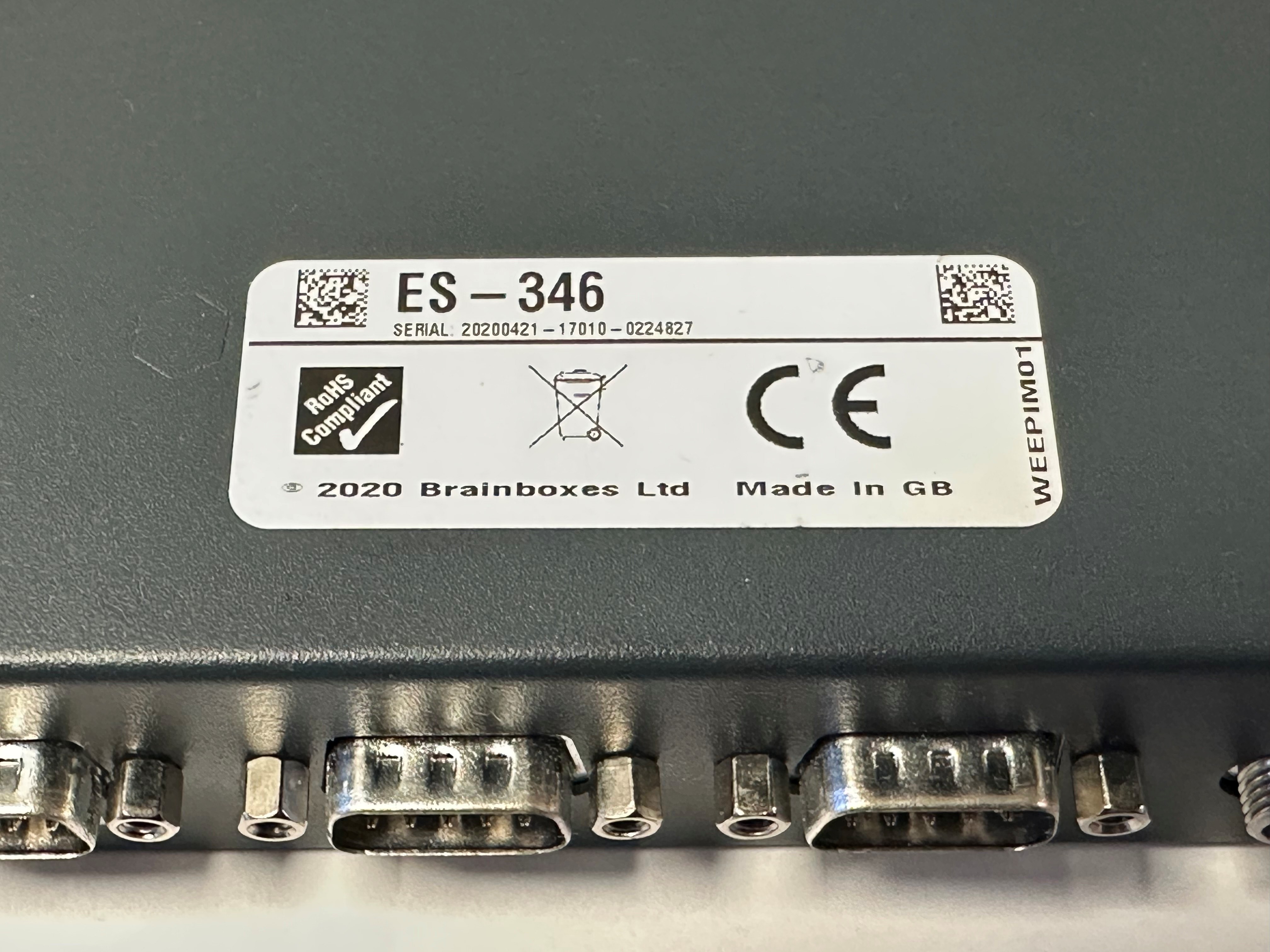 |
| PX/CC Cards | On the back of the PCB | 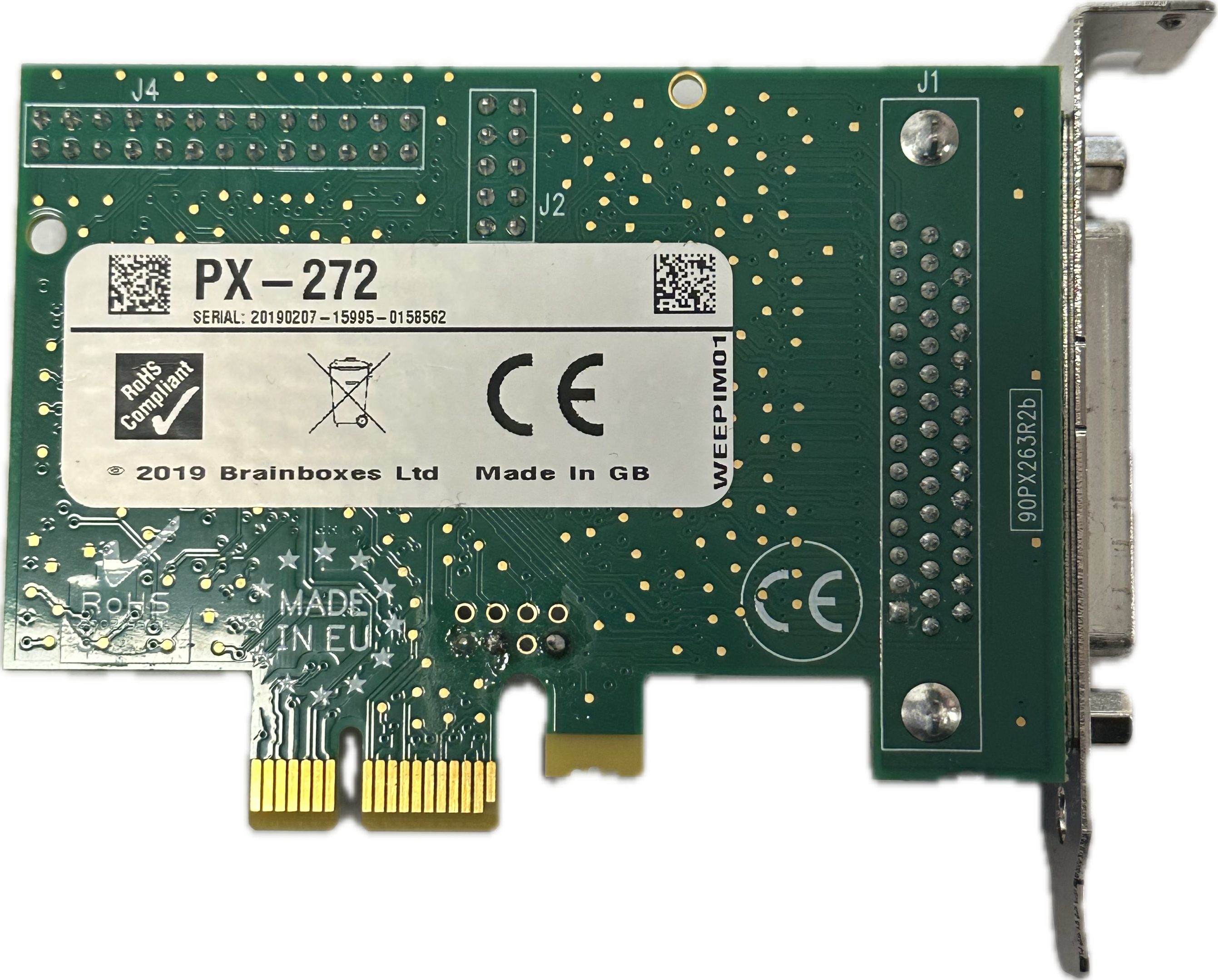 |
| US (Dongle) | On the back of the dongle | 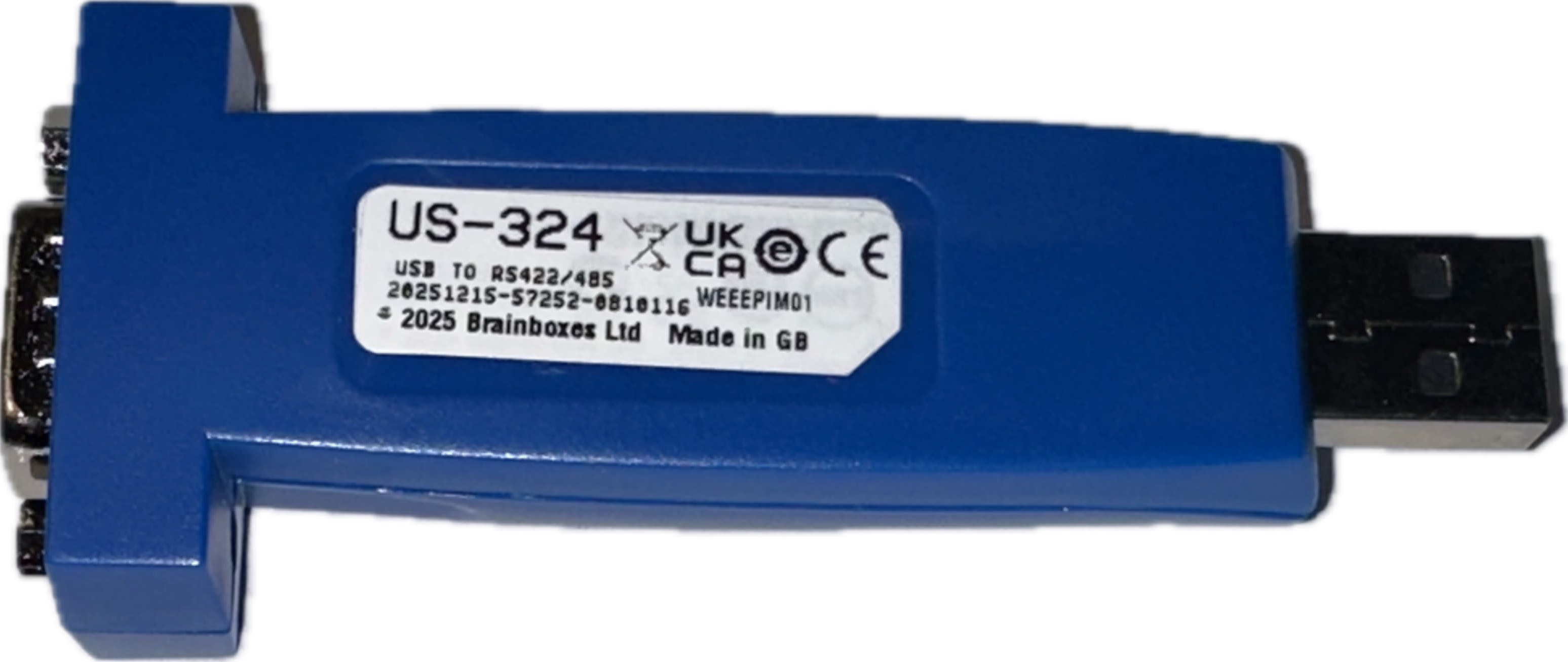 |
I have a B at the end of my product code – what is the difference between a B and a non-B device?
- Brainboxes previously used two different codes to distinguish between the device itself and the box contents: the selling code and the product code. Historically, the product code would sometimes include a “B” suffix at the end. This was part of a deprecated system we used to display product codes. There is no functional difference between devices with a “B” suffix and those without. Both versions operate exactly the same.
Why does Brainboxes ask for the serial number when I contact support?
Brainboxes requests the serial number to quickly and accurately identify your device. The serial number allows the support team to:
-
Identify the exact model and hardware revision
This ensures guidance is specific to your device, as different revisions may have design or component changes. -
We can trace known issues affecting specific build batches
If a known issue impacts devices manufactured during a particular build period, the serial number allows our support team to immediately determine whether your device is affected.
Providing the serial number helps us at Brainboxes resolve issues faster and reduces the need for additional troubleshooting steps.
Can Brainboxes tell if my device is in or out of warranty from the serial number?
- With our lifetime warranty guarantee, this isn’t something we will need to provide, as we make sure that we build our products for life. If your device ever stops performing as intended during its serviceable lifetime*, we’ll repair or replace it free of charge – shipping included.
- * Lifetime definition: the serviceable lifetime of the product, defined as the longer of:
(a) the period Brainboxes continues to manufacture the product plus five years, or
(b) the period during which spare parts (components) remain generally available for repair.
- * Lifetime definition: the serviceable lifetime of the product, defined as the longer of:
Related FAQs
Related Products
FAQs